![]() |
|||||||||||||||||
![]() ![]() ![]() ![]() ![]() ![]() ![]() ![]() ![]() ![]() ![]() ![]() ![]() ![]() ![]() ![]() ![]() ![]() ![]() ![]() ![]() ![]() ![]() ![]() ![]() ![]() ![]() ![]() ![]() ![]() ![]() ![]() ![]() ![]() ![]() ![]() ![]() ![]() ![]() ![]()
![]() |
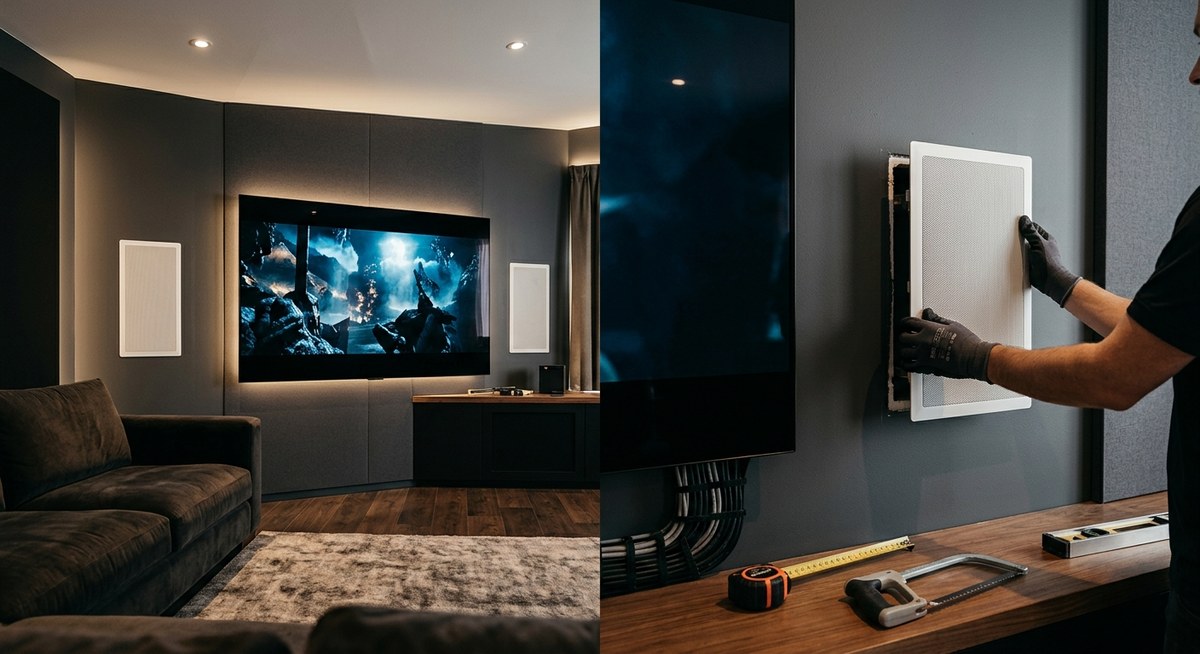
Wall Mounting Your Plasma Television set - a simple process but...A great way to display your plasma TV is to mount your flat-panel television on a wall. Not only, this is a great space saver and ideal for spaces with small children running around. It is also an effective way of integrating that plasma television set with the rest of your room decor. Thanks to the availability of plasma TV wall mounts, wall mounting a plasma television set is a relatively straightforward job. Still, as expressed in the first part of our Plasma TV Installation Guide, the whole process should not be under-estimated. It is not as easy as it seems, and the person handling the job should still have an average level of DIY skills. For example, you need to be confident with operating an electric drill. You also need to know how to use properly a spirit level to level off the TV panel. Fixing your plasma TV wall mount perfectly level is critical - it would be hard to fix a poorly done job later, so re-check your measurements. After all, the only way to get a professional looking job is to work with precision. Moreover, if you are after a professional job, you have to think about how to run and hide the AV cables and the power line. Again, this requires a minimum of DIY skills, but in general, it should be relatively easy if you are dealing with drywall. More on this in the first part of our Plasma TV Installation Guide.
Installing a Plasma TV Wall MountThe level of DIY skills normally required to install a plasma TV wall mount may vary somewhat depending on the type of plasma TV mount in question. Normally, the whole process would require that you drill four holes, attach the mounting bracket to the wall with screws, and then lower the plasma TV into place. The standard flat wall mount is the easiest to do it yourself. This is the plasma TV wall mount that takes up the least space - it adds no more than two inches to your plasma television set depth. If you have ever hung a bathroom cabinet, you can handle the job.
Once you decide on the type of plasma TV wall mount to employ, purchase your mount only from a reputable source and ensure that it fits your plasma TV. In particular, check that its load bearing capacity matches that of your plasma television. Important: Irrespective of the type of mounting option you choose, ensure that the plasma TV wall mount you opt for comes with a VESA compliant mounting hole pattern. This is the standard measurement for flat-panel TV mounts. Universal stands designed to fit various sizes normally come with multiple hole patters to fit the different screen sizes. The VESA mounting standard includes the VESA 50, 75, and 100, while larger models may use the VESA 200. The number behind the VESA standard indicates the mounting hole pattern in millimeters. For example, the VESA 100 will have four holes placed at the corners of a 100mm by 100mm square. The exception is the VESA 200, which comes either in VESA 200x100mm, or VESA 200x200mm hole pattern. It is true that plasma television sets are slim, BUT they are heavy...As already indicated earlier on in this article, plasma television sets are relatively heavy - even substantially heavier than an equivalent screen size LCD TV. A 42" may easily weight over 90 pounds while a 50" plasma television set may easily exceed 100 pounds. This means that not all walls are suitable to take a plasma TV wall mount. If in doubt, either call professional assistance or use a pedestal stand. In particular, if you are installing your plasma TV wall mount on a drywall, be sure to screw your mount into wooden studs, not just into the wallboard, otherwise your display panel will crash to the ground.
In either case, always ensure that the fixtures you adopt penetrate the stud. Once you find the studs, mark their location in pencil on the wall. Measure the vertical distance between the screw holes on the mount. Now it is time to decide on how high to mount your TV. Both the 'flat' and the 'swivel articulated-arm' plasma TV wall mounts are normally fixed such as to set the centerline of the plasma display panel at eye-level when seated. On the other hand, the tilted wall mount is usually set at a higher level. After deciding on the height, mark in pencil where you will place each screw. Double-check that it will be level by using a spirit level or by measuring the distance from the floor up to each screw hole you have marked. It is crucial that you mount it perfectly level - it will be hard to fix a poorly done job later, so re-check your measurements. Also, use heavy-gauge screws that are capable of taking the full load of the plasma display when screwing your plasma TV wall mount to the supporting wall. The best way to fix thick-gauge screws is to first drill a pilot hole; this is a hole slightly smaller in diameter than the diameter of the screws you are using. Attach the mount with the screws - check before tightening to ensure that it is perfectly level.
Once your mount is in place, hang the plasma television set on the mount. You would need someone to help you hold the plasma panel till you manage to hang the unit in place. Irrespective of the model and brand, the mounting process for a plasma television set is practically always the same. You first screw the back plate of your plasma TV wall mount onto the wall and attach the front plate to your flat-panel TV. Then all you have to do is to lower the plasma TV with the mounted front plate assembly (with the help of an extra pair of hands) in place into the rest of the wall mount. Models vary considerably, so make sure you follow the installation guides that come with both your plasma TV wall mount and your TV set. More Plasma TV Installation TIPS!
Note that while aesthetically, recessed installations are an interesting option, yet keep in mind that you are stuck with the size of the recess. In other words, you cannot upgrade to a larger plasma television set at a later date should you desire so.
For slightly more, you can get an all-in-one metal and wood stud finder and electricity cable locator. A great all-in-one product is the Zircon 60371 OneStep Stud Finder. It sells for under $30 and includes auto depth sensing, auto re-calibration, and even an integrated erasable marker to make it easy to mark the spot for anchoring without removing the tool from the wall. For more information on the Zircon 60371, click either on the image above or the link here: Zircon 60371 i65One-Step stud finder Safety First
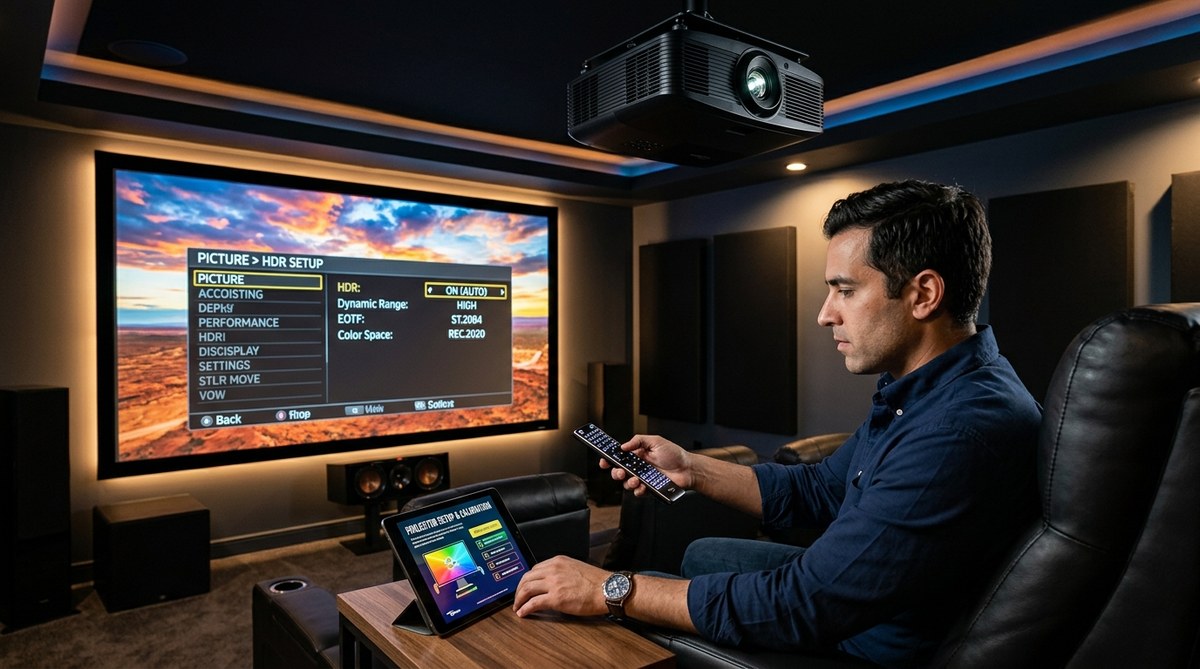
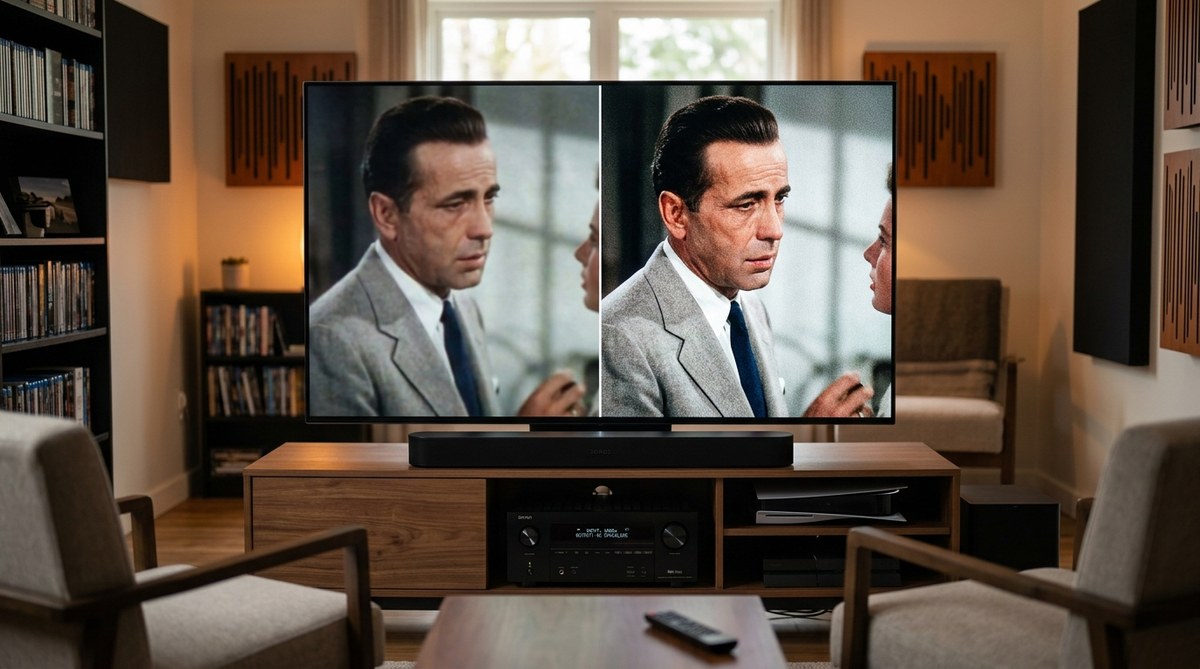
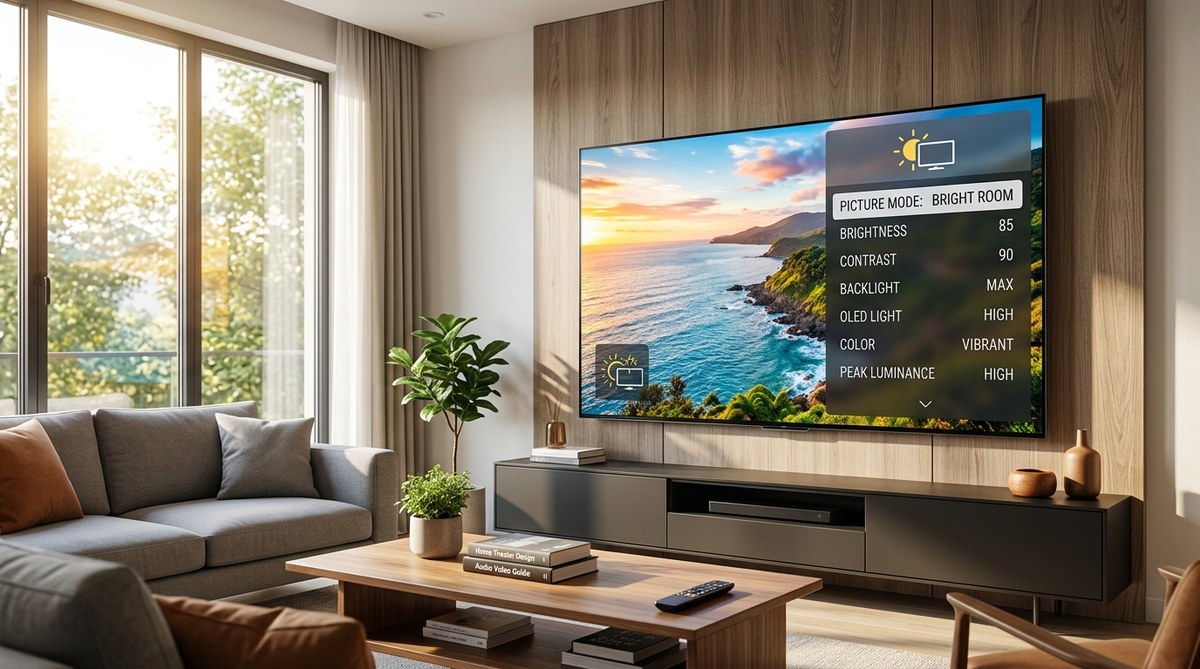
A Final RecommendationYou have mounted your plasma television set in place - yet there is still one more thing you have to do: Adjust the various settings on your plasma TV for the best viewing experience. The best way to do this is to invest in a good set-up DVD.
A great calibration disc we used to recommend is the AVIA Home
Theater Set-up DVD, an exceptional AV calibration tool for both
the novice and the expert. This disc is being replaced by the
Avia II
Another interesting TV calibration tool that comes in an HD version is the
Digital Video Essentials HD For more information on set-up discs, check our Guide to Home Theater Set-Up DVDs.
Additional Plasma TV Installation Guides available under this section:
|
Copyright © - Practical-Home-Theater-Guide.com All rights reserved. |
|||||||||||||||
|
Last Update: Suggested Further Reading:
Choosing a
Plasma Television
Protecting
your Plasma TV Investment
TV Viewing Distance
The
Contrast Ratio Game!
Should You Opt for
a 1080p HDTV?
Quick
Guide to DVI
HDMI
Cable Guide
HDCP and HDTV:
Home Theater
Set-Up DVDs
Home Theater Design:
A Quick Guide to A complete e-Book on how to research, design and build your own Home Theater. by Duncan McClelland
Featured Sharper, Better, Bigger CHEAPER
Check out the latest special offers on
HD Plasma TVs
Recommended
|
|||||||||||||||||
|
|
|||||||||||||||||